


Buttons

There are tons of different buttons here that you can click. Probably you want to know what all of these buttons do. So lets get started.
The first 6X2 are the settings and always avaliable if you are on the starmap screen (basicly always expect end turn and tactical battle).
The others will light up if available.
 Game Menu
  Designs
  Planets
  Colonies
  Ships/Units
  Construction Queues
  Research
  Empires
  Log
Log  Empire Status
  Help
Help  End Turn
 Game Menu
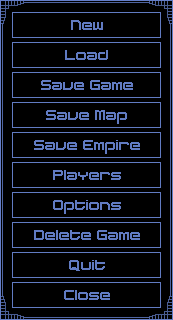
In the game menu you can create or load a new game. Save the game and the map (if you allow it when you start the game). Also save your empire (your empire's settings ship designs etc.). Also you can delete your game, quit from the entire app or close this window.
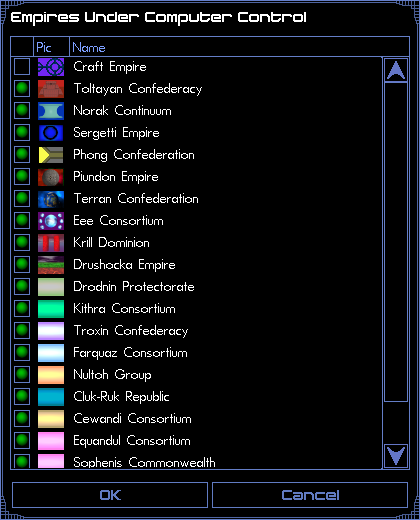
Under the players button you can change other players to be controlled by an AI or a human.
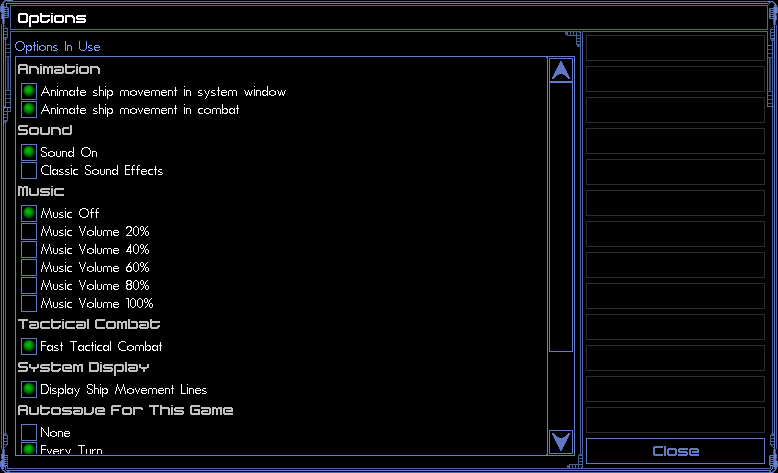
And there is some options. The settings in the image is a good example.
Designs
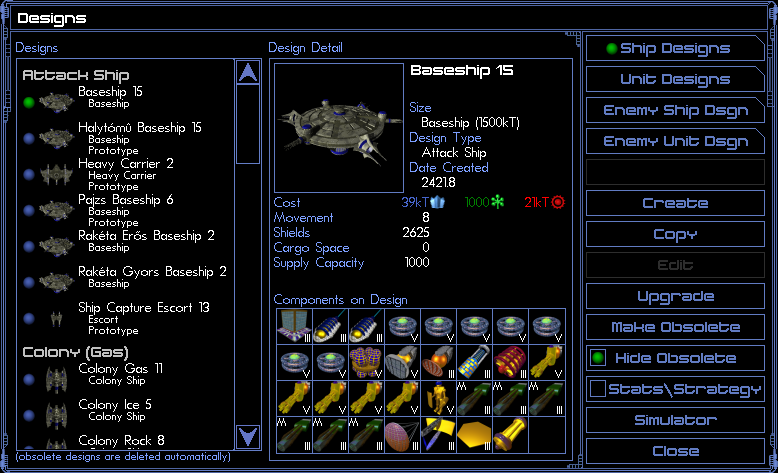
In the designs menu you can design your ships and units.
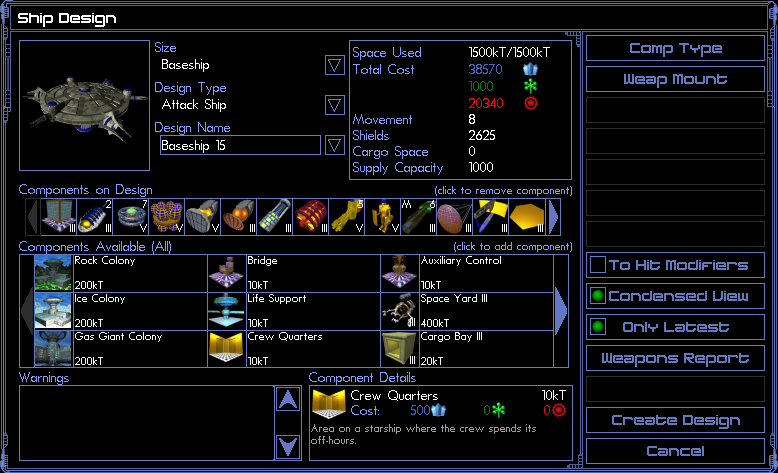
In the create menu you can put together you ship from the available (that you have researched) components. You need a Vehicle Type (Size) and a unique Designs Name (optional Design Type for make a system to the different ships). You need a some basics components that you can controll the ship and some engines. For bigger ships it is a good idea to use bigger weapon mounts. The other buttons are just statistics (how much it will cost you this ship) and some visuals (Condensed View).
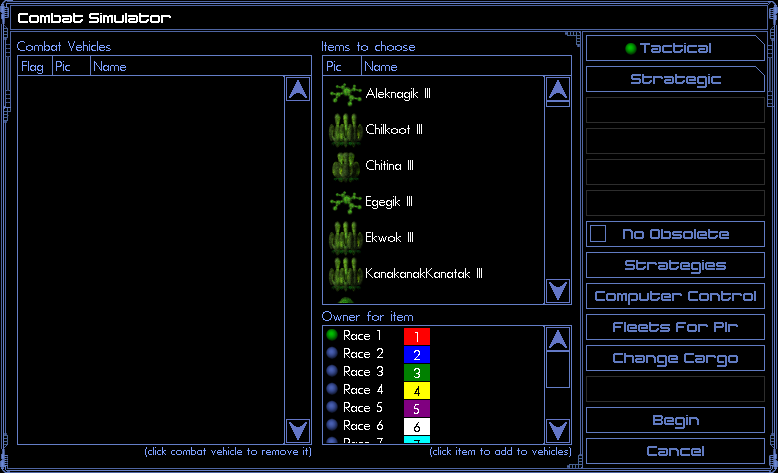
You can make simulated battles for any know ship to test out how would win a certain battle. You can play tactical and strategic.
Planets
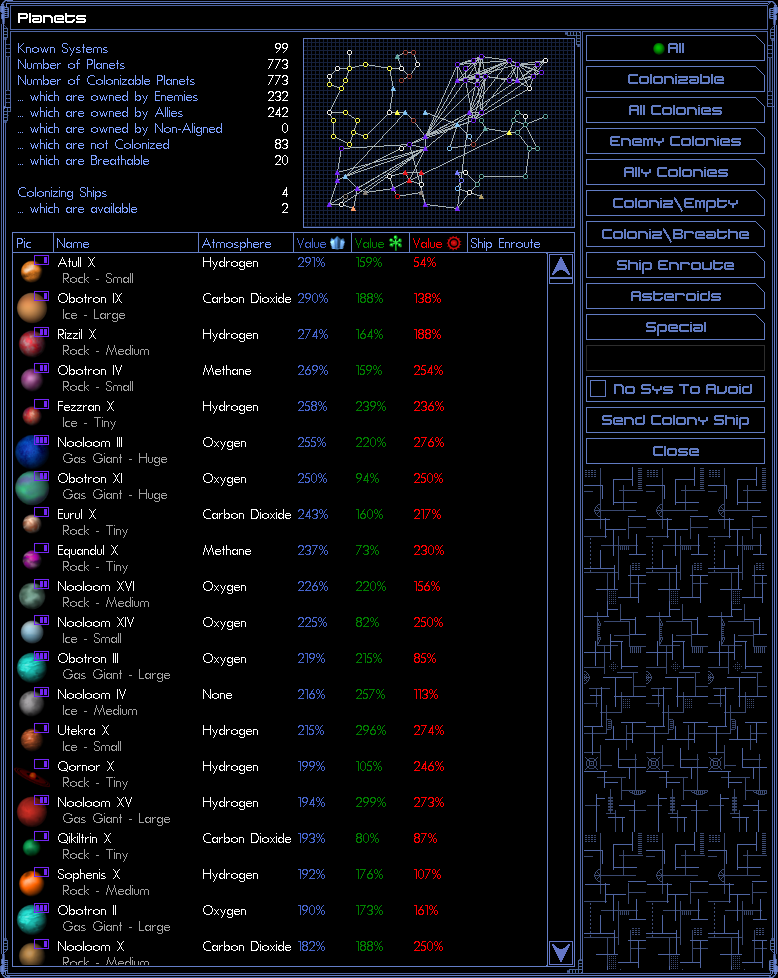
In the planets menu you can search planets by specific categories. You can see all the discovered planets and it's informations. Also you can see different statistics at the top of the image.
Colonies
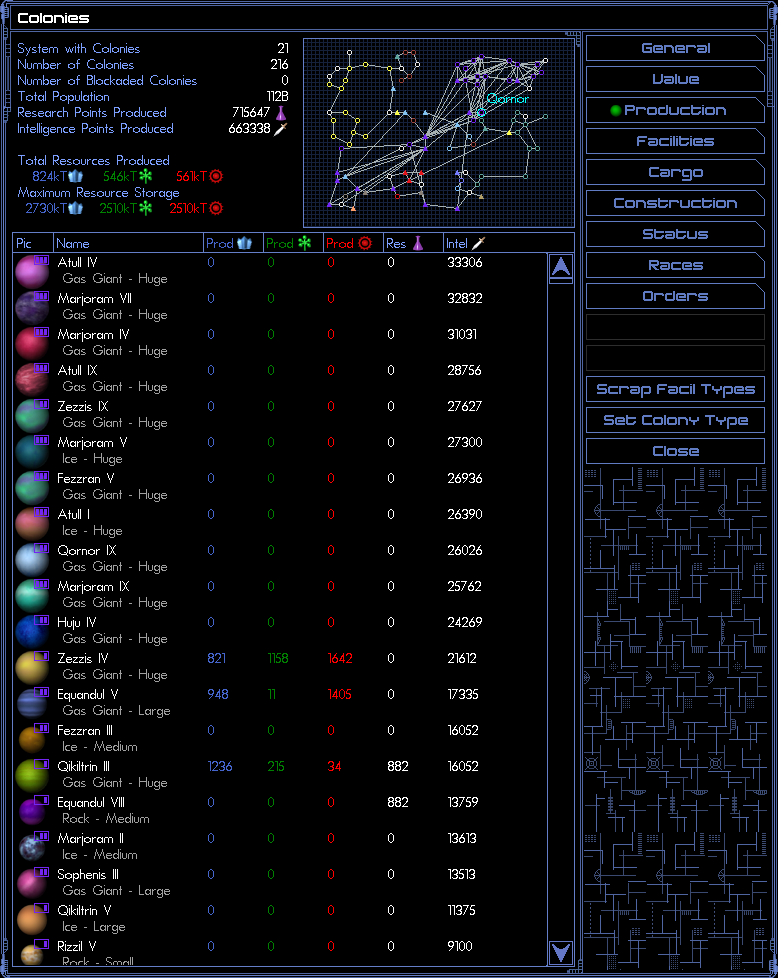
In the colonies menu you can see all of your planets by specific categories. Also you can set or change a colony type. And you can scrap a specific building type (for example if you researched everything you don't need any more Research Center).
Ships/Units

In the ships/units menu you can see all of your ships, units and fleets and their stats. Also you can see different statistics at the top of the image.
Construction Queues
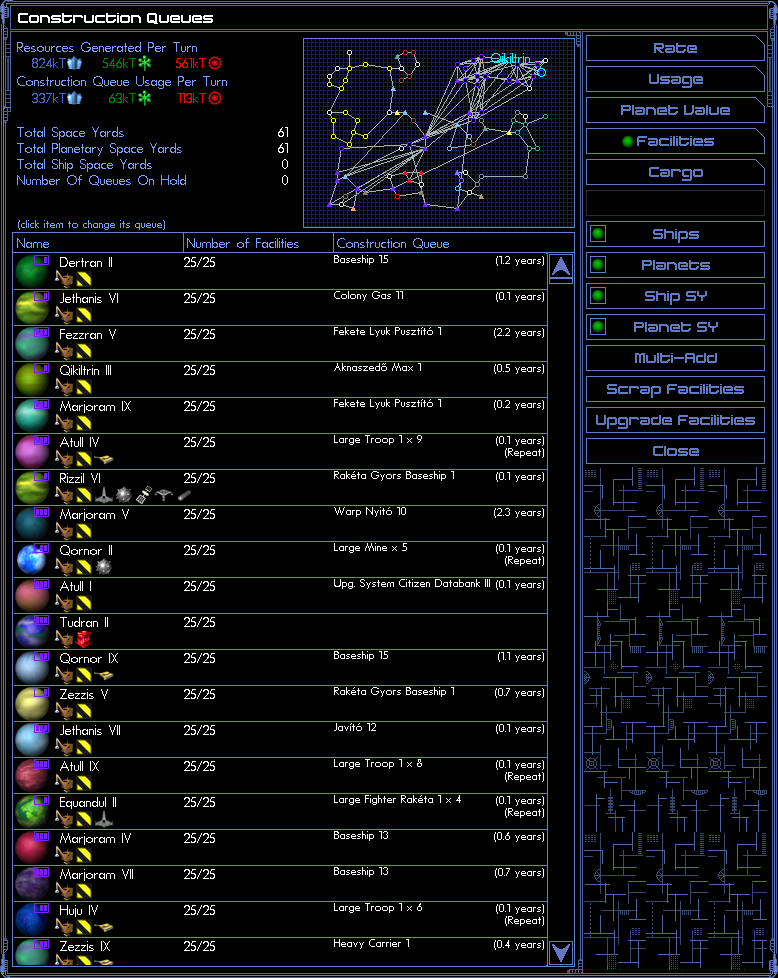
In the construction queues menu you can see all of your planetsin detail. The upgrade facilities button upgrade every outdated facility. Beware it can cost you a lot of minerals. (Imagine every research center or mine you built and now build it again white more expensive constructions prices. But from now on you will generate more resources, and the upgrading time is about 25% faster than building a new one.) Also you can see different statistics at the top of the image.
Research
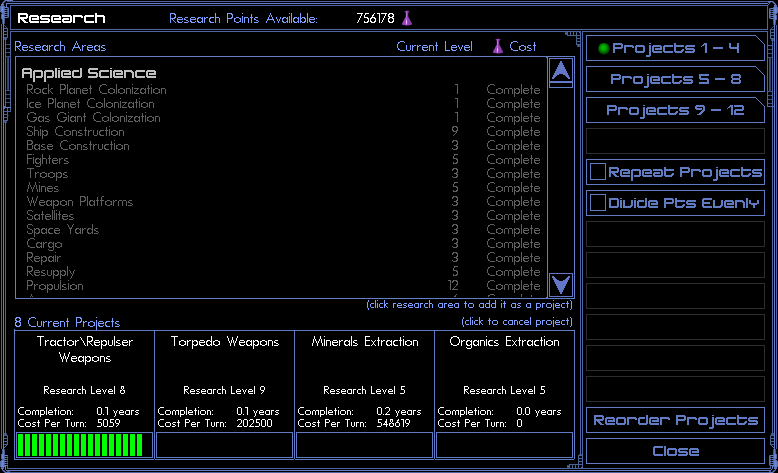
In the research menu you can research all the technologies. Research point available means this is the total number of research point thst your colonies produce. In the middle of the screen you can see how much it cost to research or is it completed or not and the current level that you have researched. In the bottom you the currently researching projects (maximum 10 at once) and some info about it. In the right at the buttons it is a good idea to disable divide pts evenly (because otherwise nothing will be done). If you reorder projects the work on the project won't disappear only if you cancel / delete the project from the selected projects.
Empires
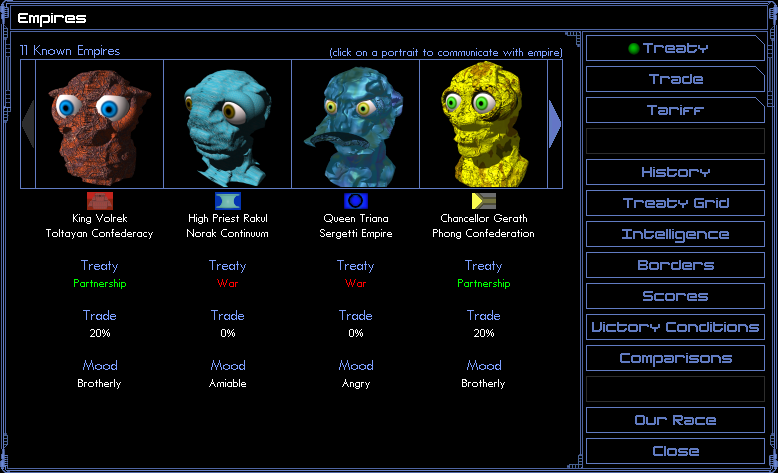
In the empires menu you can send messages to other empires (trade to each other, make wars etc.). There is a nice overview of your and other empires connections with different empires. In the intelligence menu you can sabotage other empires (beware you can be sabotaged and sabotages can be stopped). The border is the territory that you claim yours. This can have a little impact on your relationships (for a few aggressive empires) if you have contested border. In the scores you can see statistics of you and other empires (if you set it true when you started this the game). The victory condition is only important if you set any of that when you started the game. The comparison menu just statistics.
Log

What happened in this turn. For example building a facility or a ship has finished or some event takes place for example meet a new civilization, or a warp point closed etc. . Every important thing will be here that happened only this turn.
Empire Status
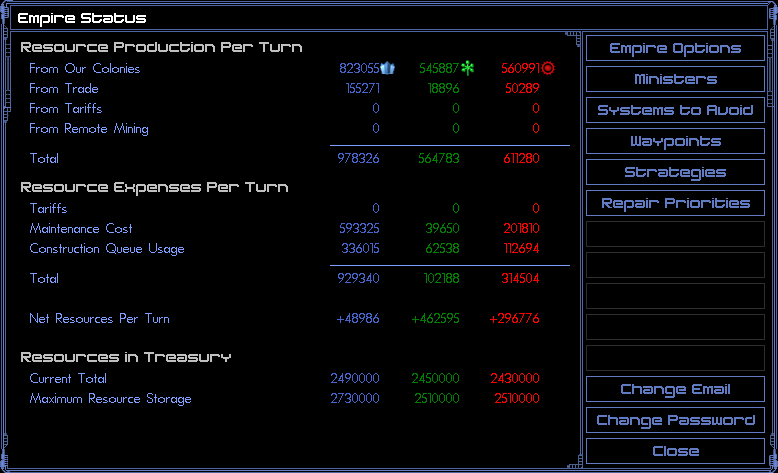
In the empire status menu you can see how much resources do you use and produce. You can also change some settings for example show mini icons on planets with a specific building making it easier to find that you want. Or change the repair priorities (what is the order to repaired of your ships) etc. .
Help
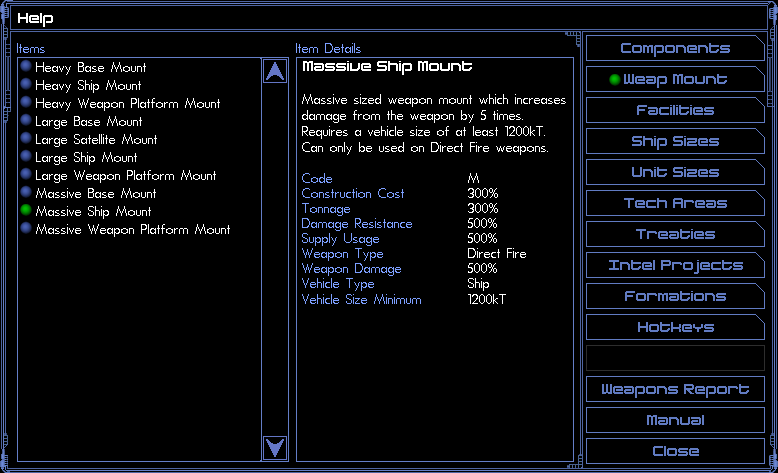
In the help menu you can search for the purpose of each facility, components or research project.
End Turn
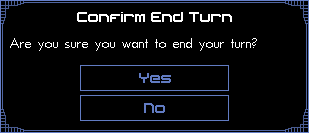
The game always asks you: Are you sure you want to end your turn?
 Move To
  -
-  Colonize
  Explore
  Attack
  Warp
Warp  Fleet Transfer
  -
-  Resupply at Nearest
  Repait at Nearest
  Clear Orders
  Build Queue
  Sentry
  Set Patrol
  Repeat Orders
  Launch Units Remotely
  Recover Units Remotely
  -
-  Scrap / Analyze / Mothball
  Load Cargo
  Drop Cargo
  -
-  Toggle Minister Control
  -
-  Change Formation / Strategy
  -
-  -
-  Abandon Planet
  -
-  Stellar Manipulation
  -
-  -
-  -
-  -
-  -
-  Sweep Mines
  -
-  -
-  -
-  -
-  -
-  Jettison Cargo
  Scrap Facility
  -
-  -
-  Cloak
Cloak  Decloak
  -
-  Change Name
  View Orders
  Convert Resources
  -
-  -
-  -
-  -
-  -
-  -
-  Launch/Recover Units
  Cargo Transfer